PHOTELLE · AI PHOTO RETOUCH

Describe It. We Retouch It.

Say the edit. Skip the sliders.

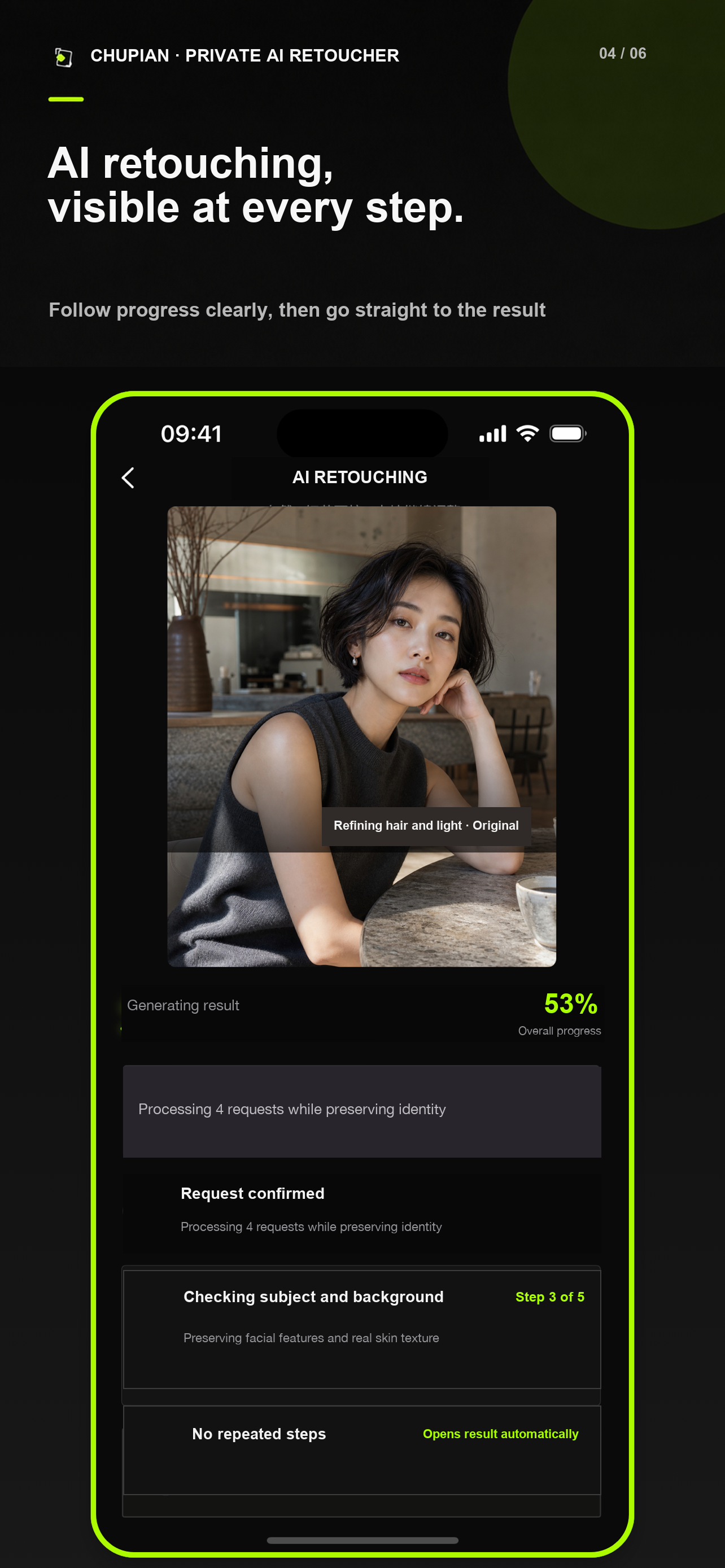
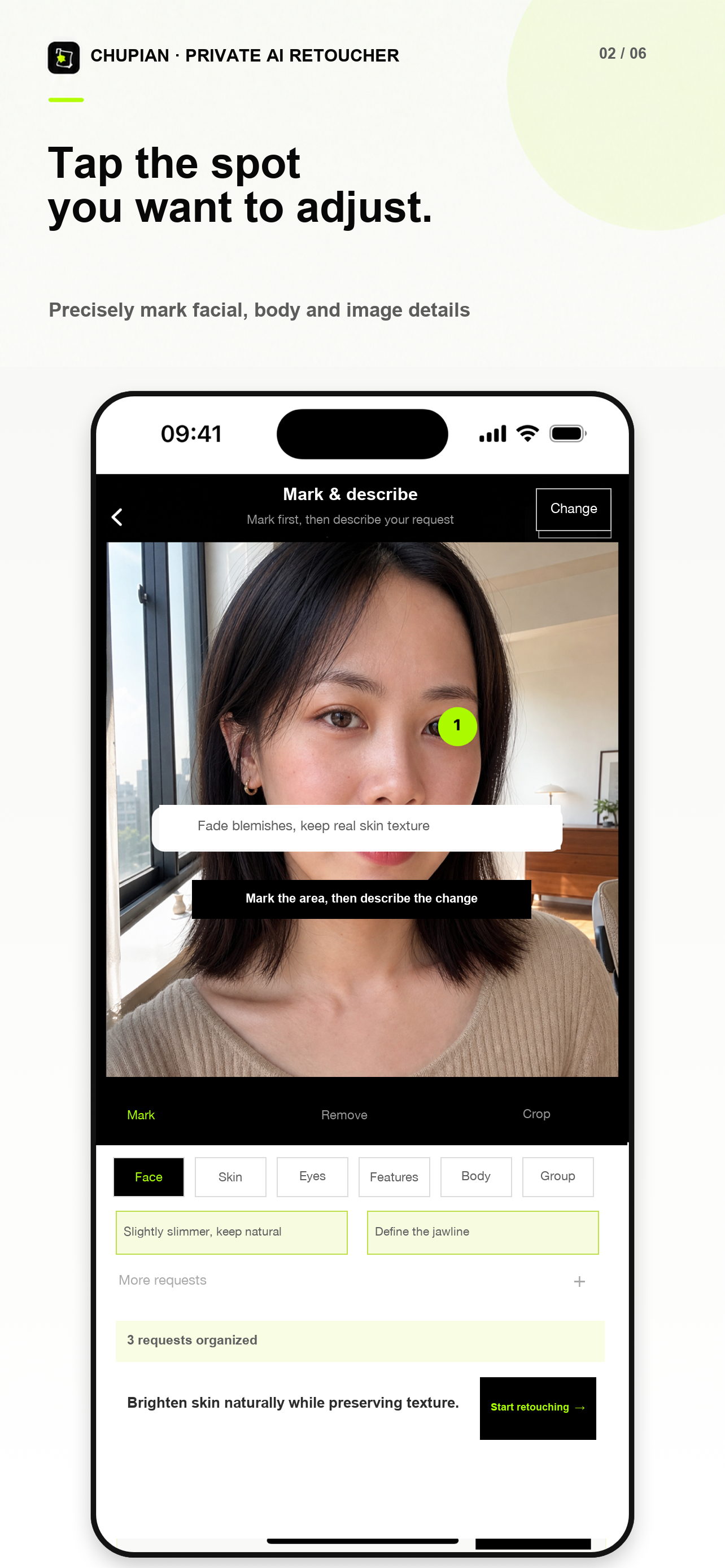
Mark the area, then describe the change. Photelle follows your request while prioritizing the person and details you want to keep.

Natural result
Keep skin naturally detailed +Soften the double chin +Clean up flyaway hair +Brighten the subject +MARK · SAY · DONE
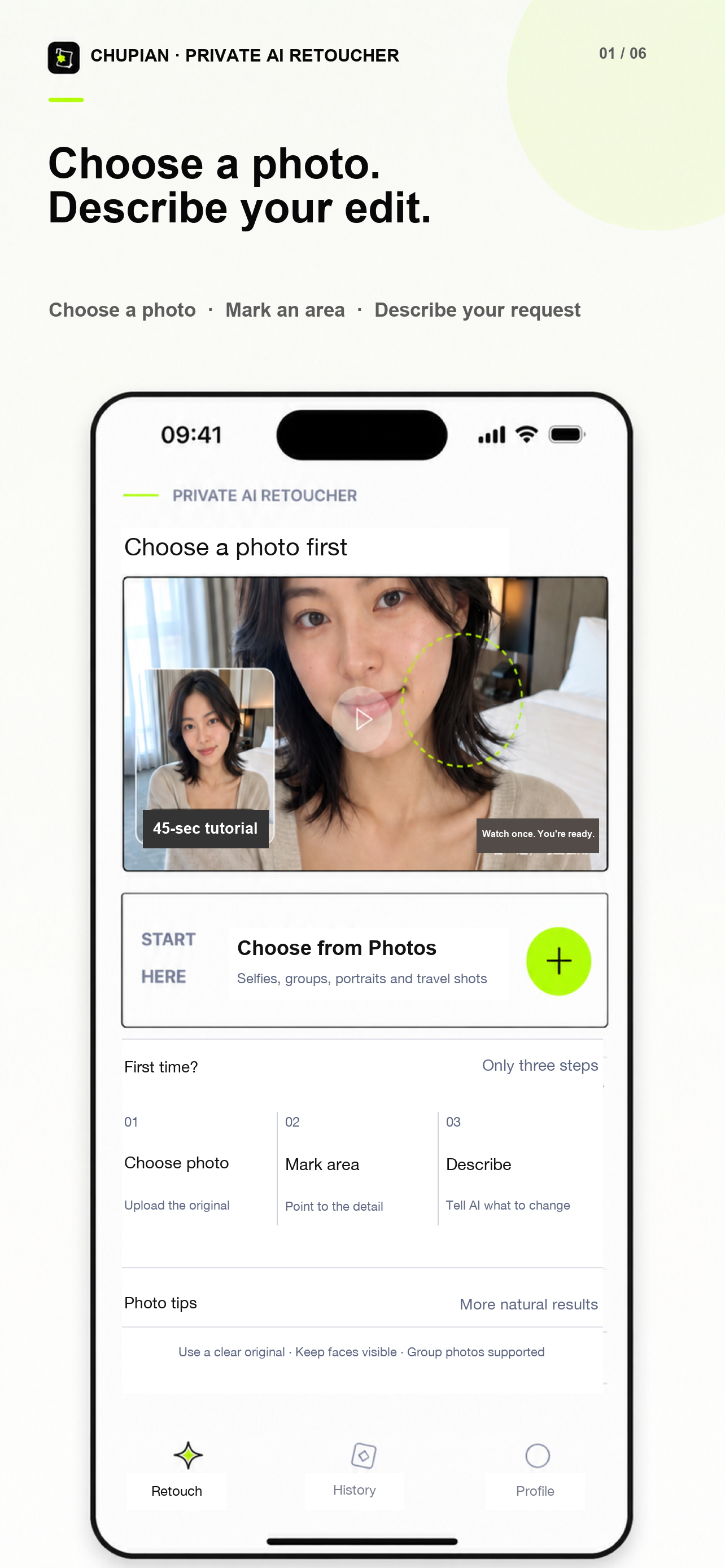
01Mark the area02Describe the edit03Hold to compare04Save the full result

SEE THE RESULT

Drag to see what one sentence can change

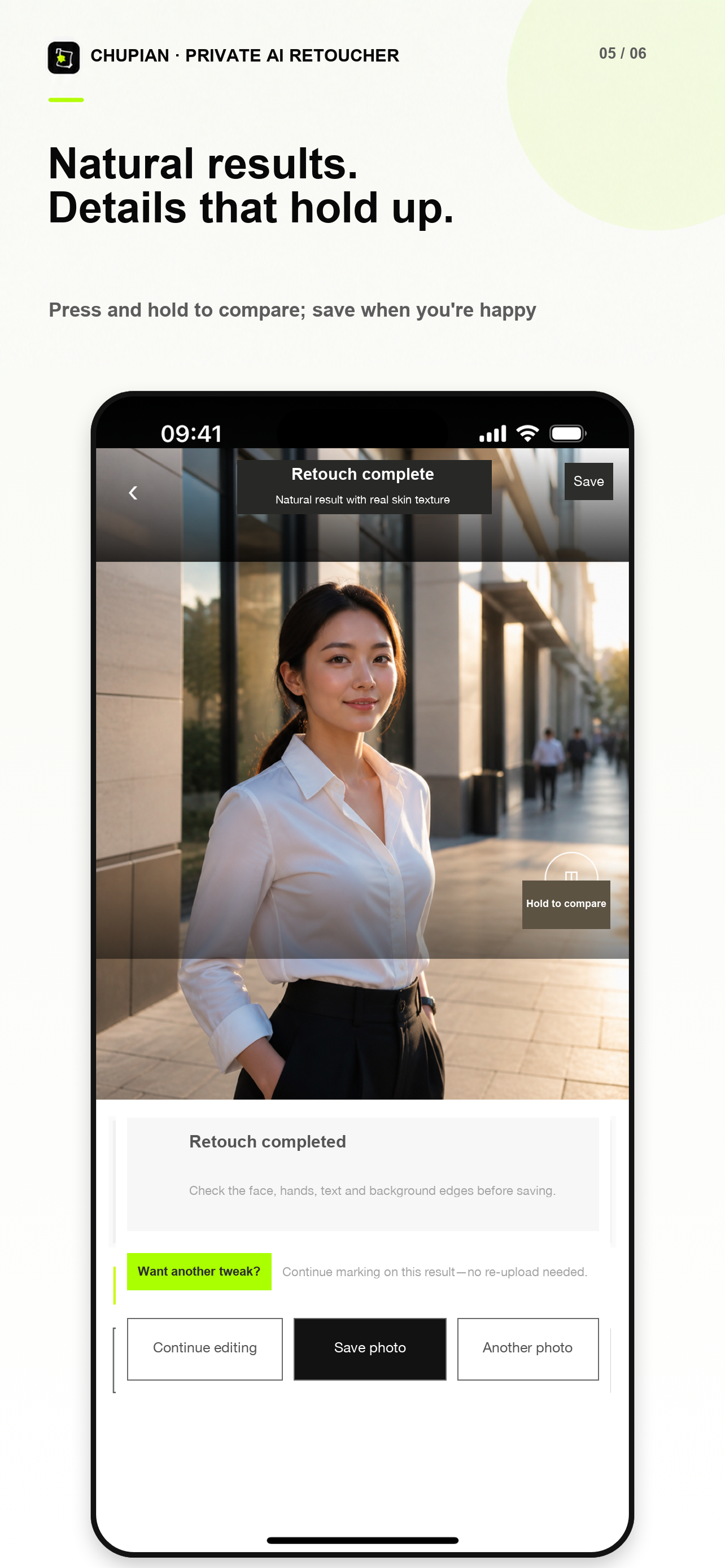
Each example layers the original and result in the same frame. Drag the divider to inspect the details for yourself.

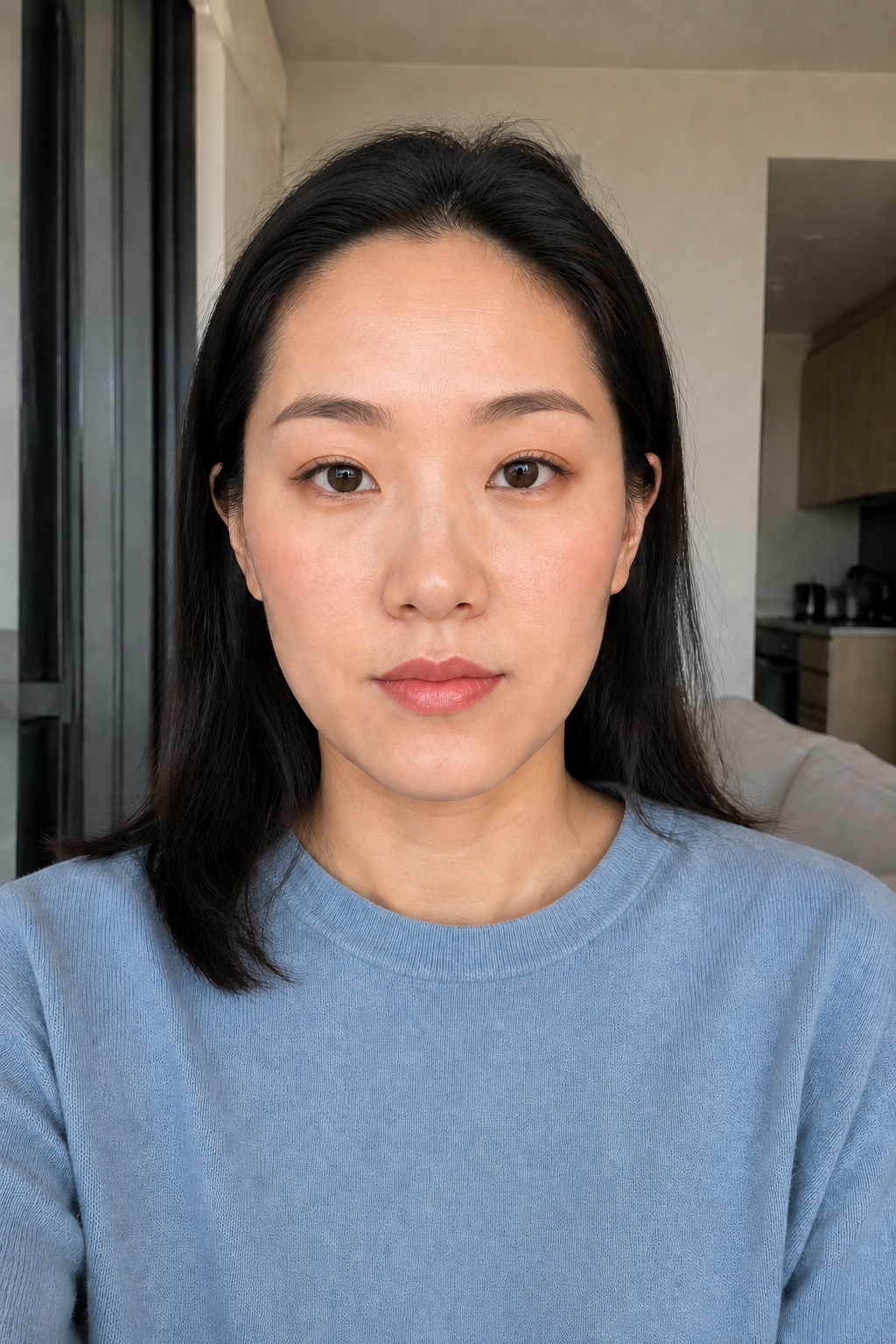
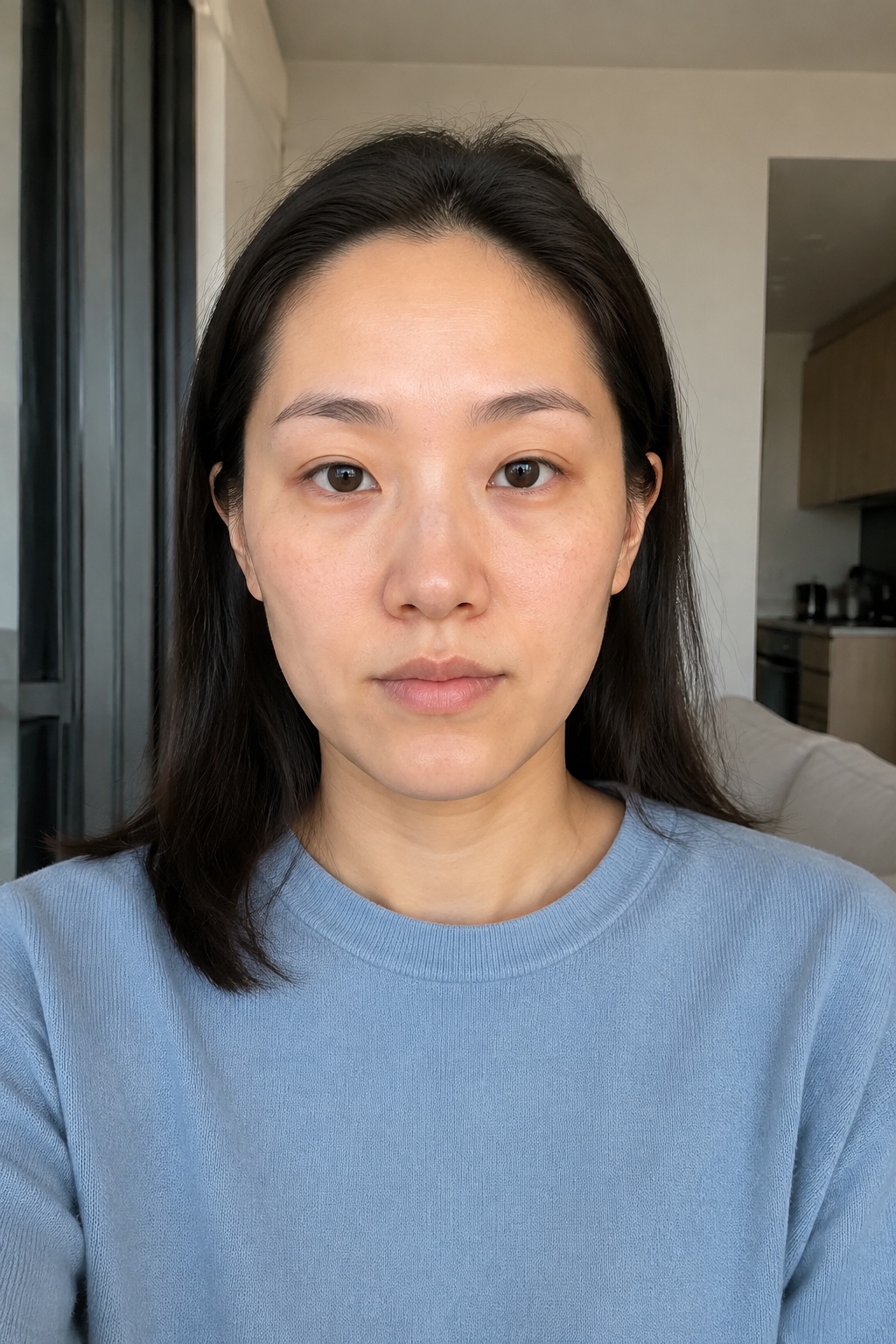
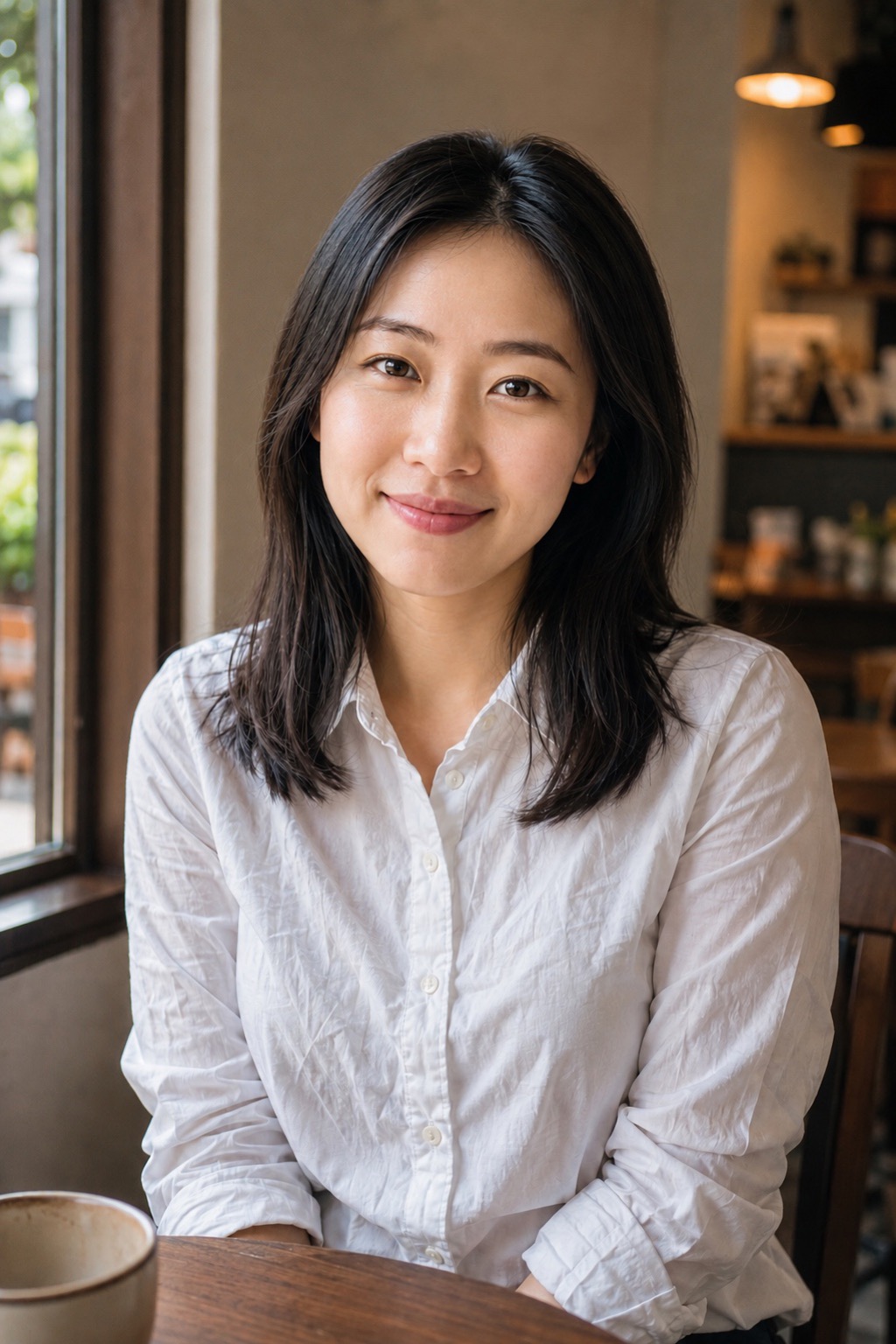
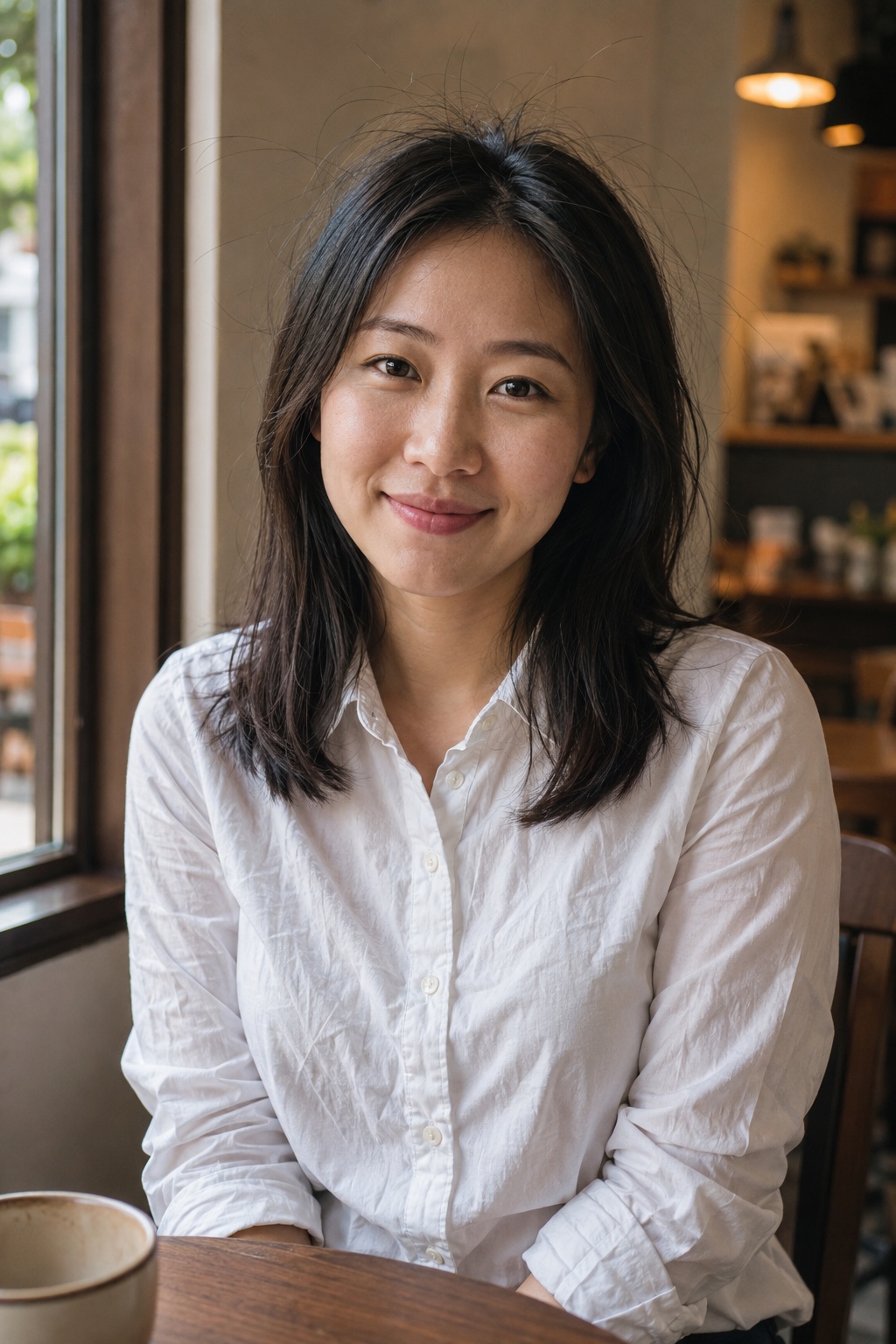
Natural retouch · After
Natural retouch · Before
BeforeAfterDrag to compare
01 / 06 · Natural retouch

Keep the person. Refine only the details

Request

Even and brighten the skin tone, soften blemishes, dark circles and fine lines, tidy flyaways, and keep real skin texture

Edits applied

  • 01Tidy flyaways around the head and face
  • 02Even and brighten facial skin tone
  • 03Soften blemishes, dark circles, and fine lines
  • 04Preserve real skin texture and identity
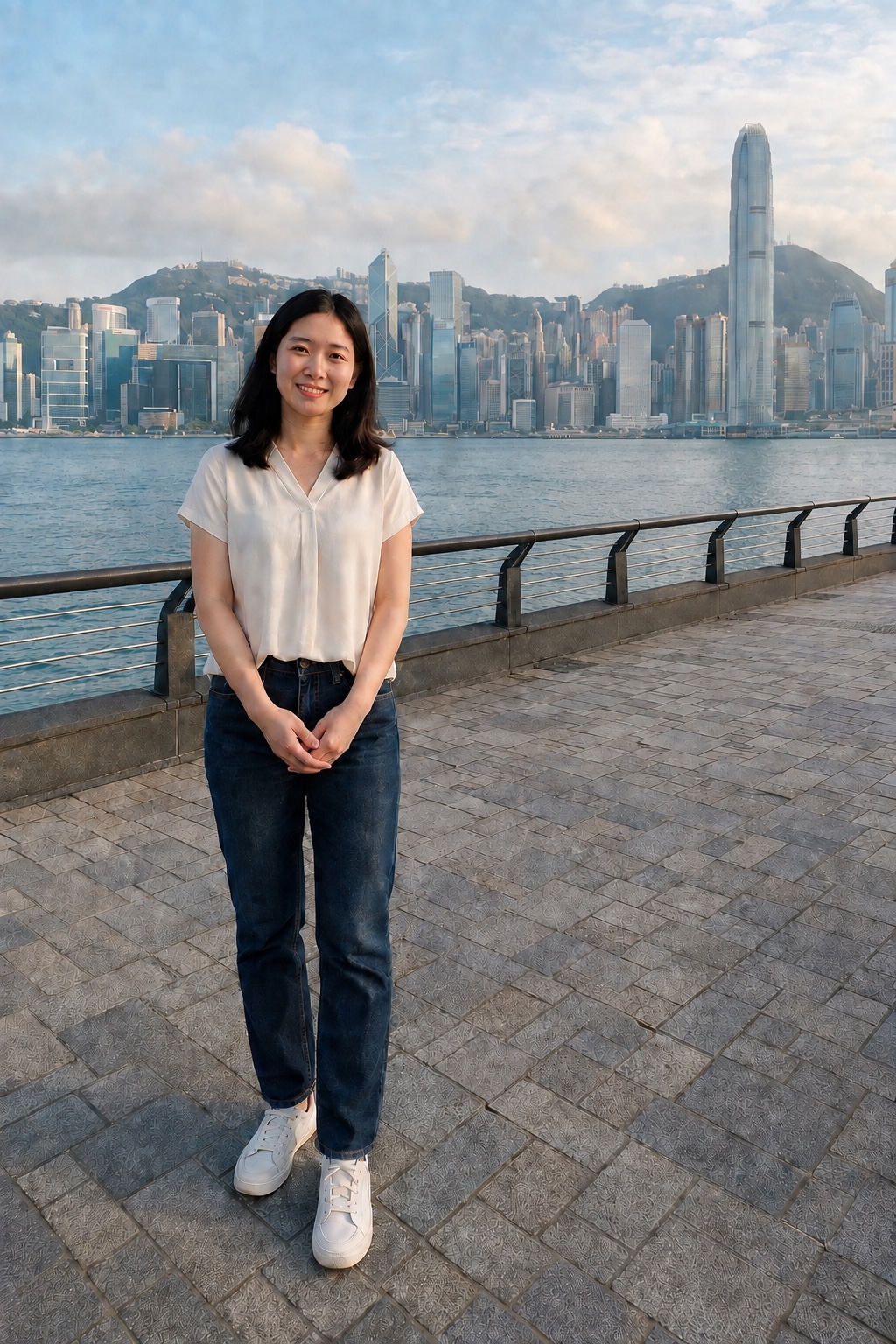
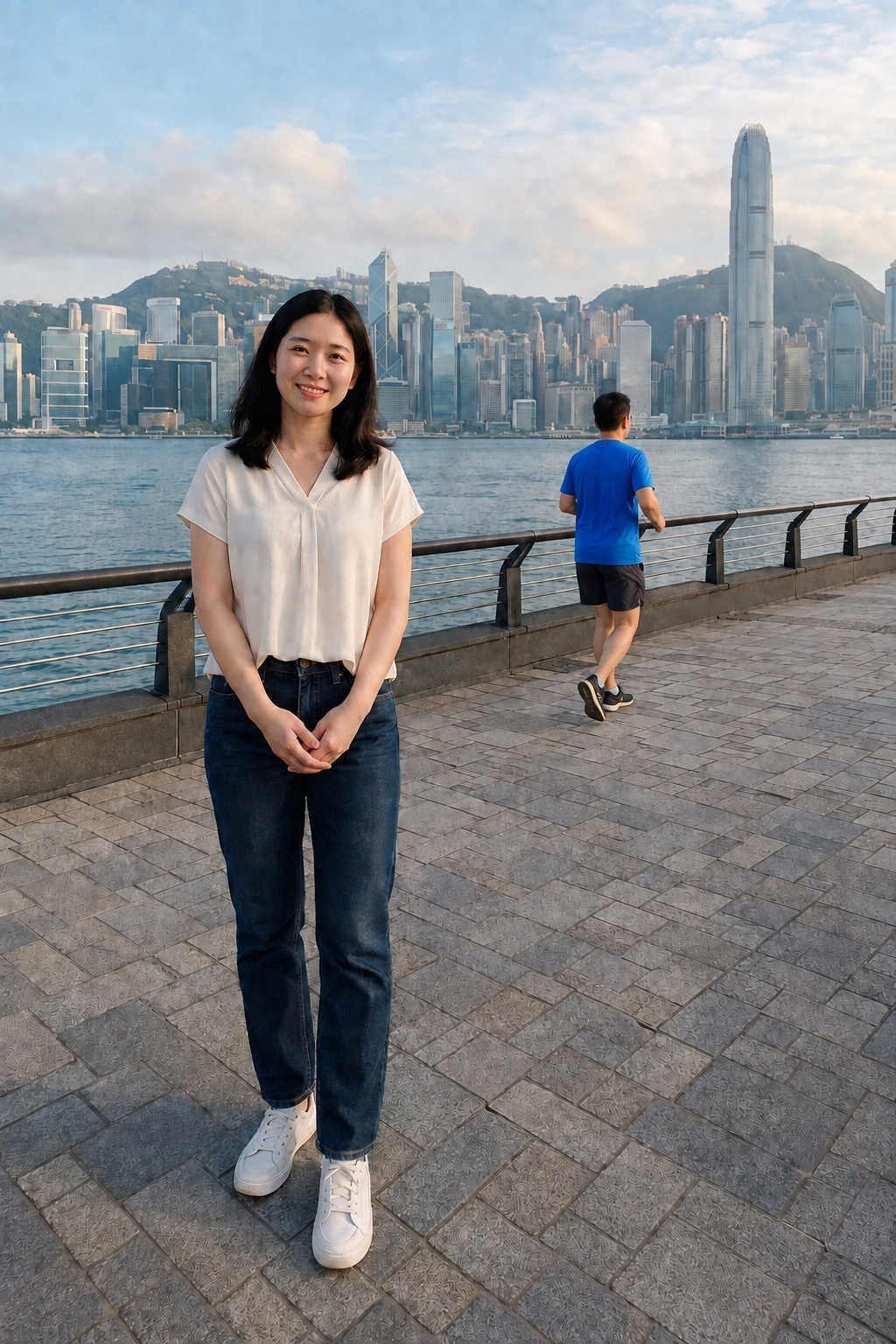
Remove passer-by · After
Remove passer-by · Before
BeforeAfterDrag to compare
02 / 06 · Remove passer-by

Brush away the person you do not want

Request

Remove the blue-shirt passer-by behind the subject while keeping her and the Hong Kong background unchanged

Edits applied

  • 01Remove the blue-shirt passer-by completely
  • 02Rebuild the railing, ground, and harbor naturally
  • 03Keep the subject, framing, and background unchanged
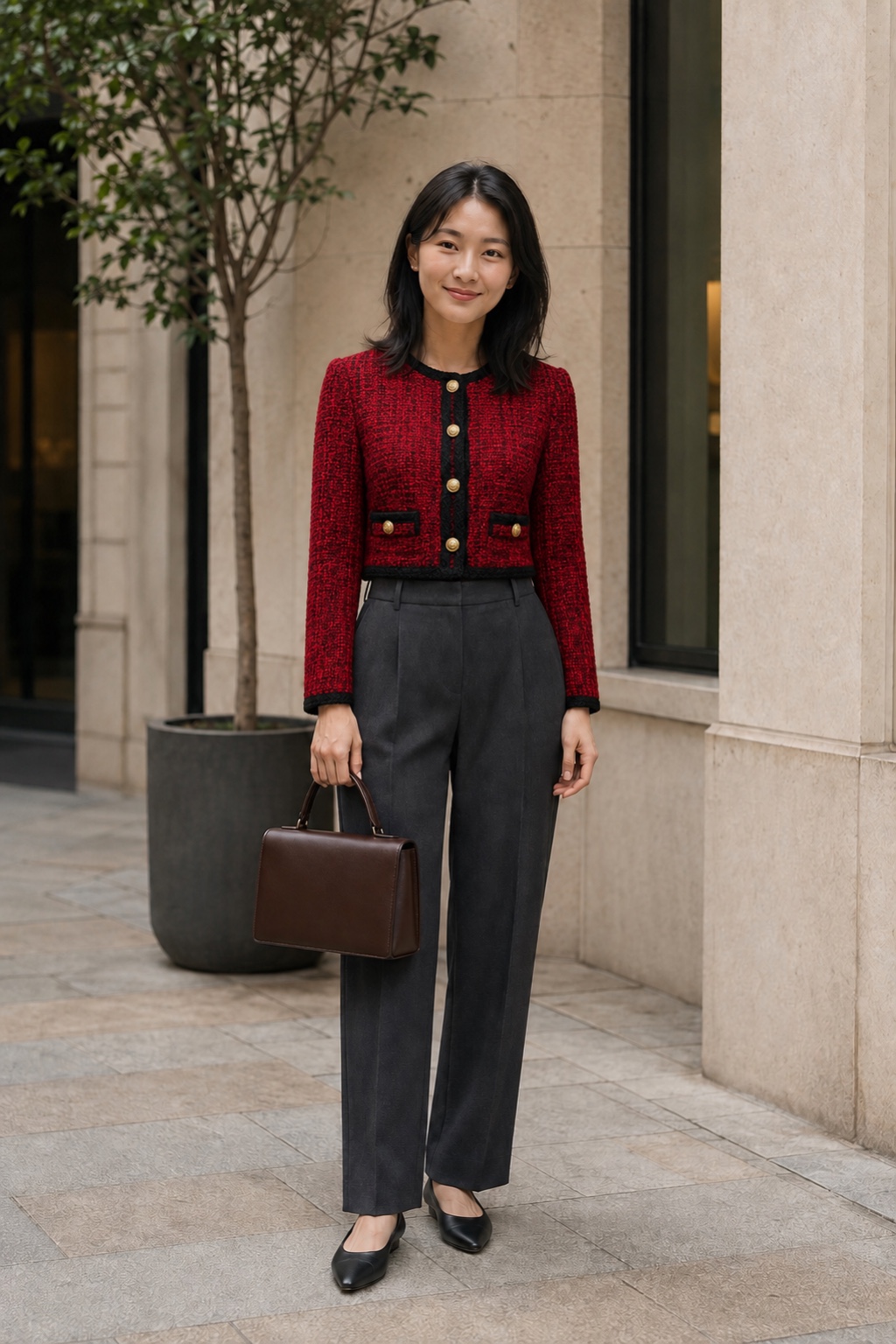
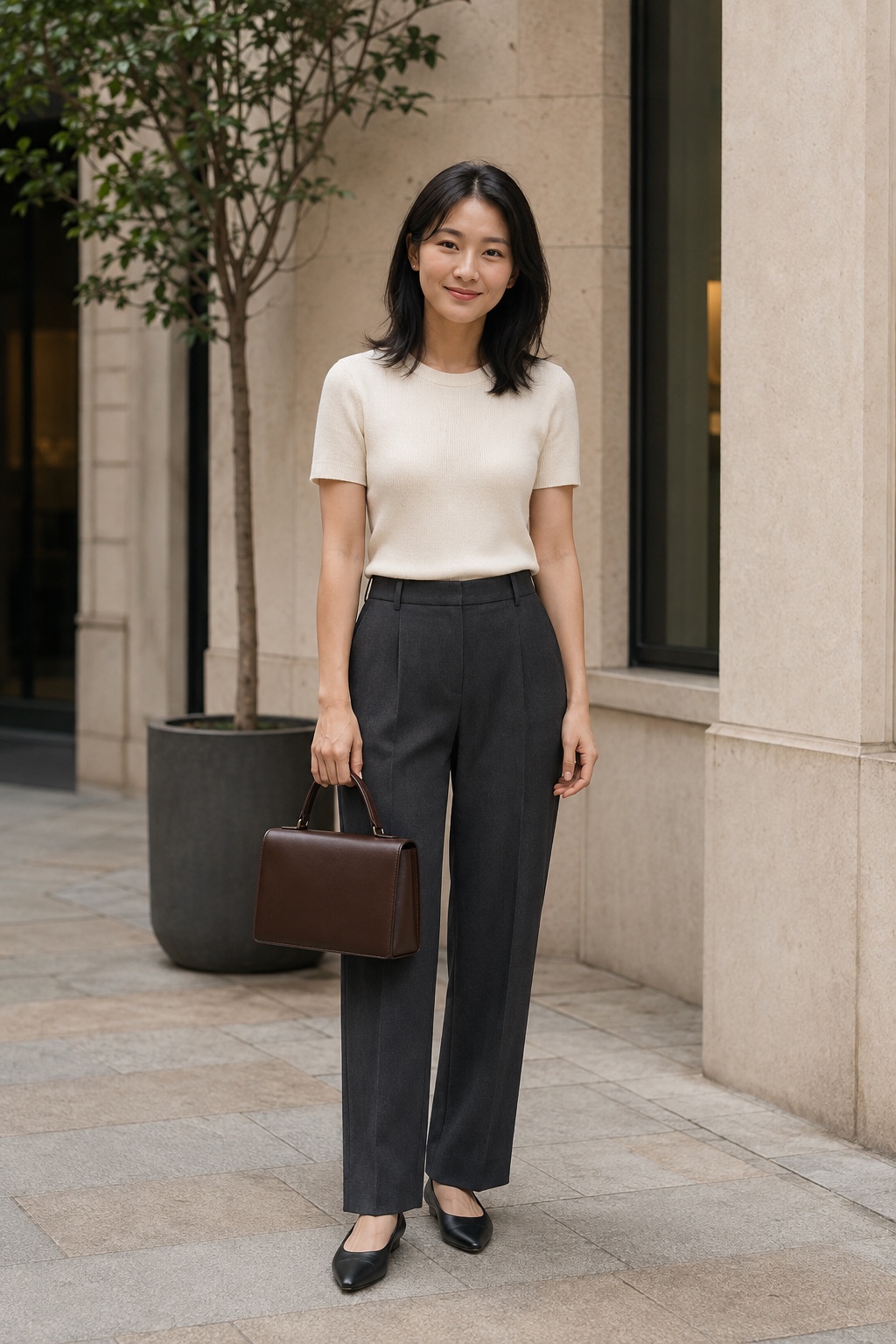
Reference outfit · After
Reference outfit · Before
BeforeAfterDrag to compare
03 / 06 · Reference outfit

Upload a look. Try it on in one edit

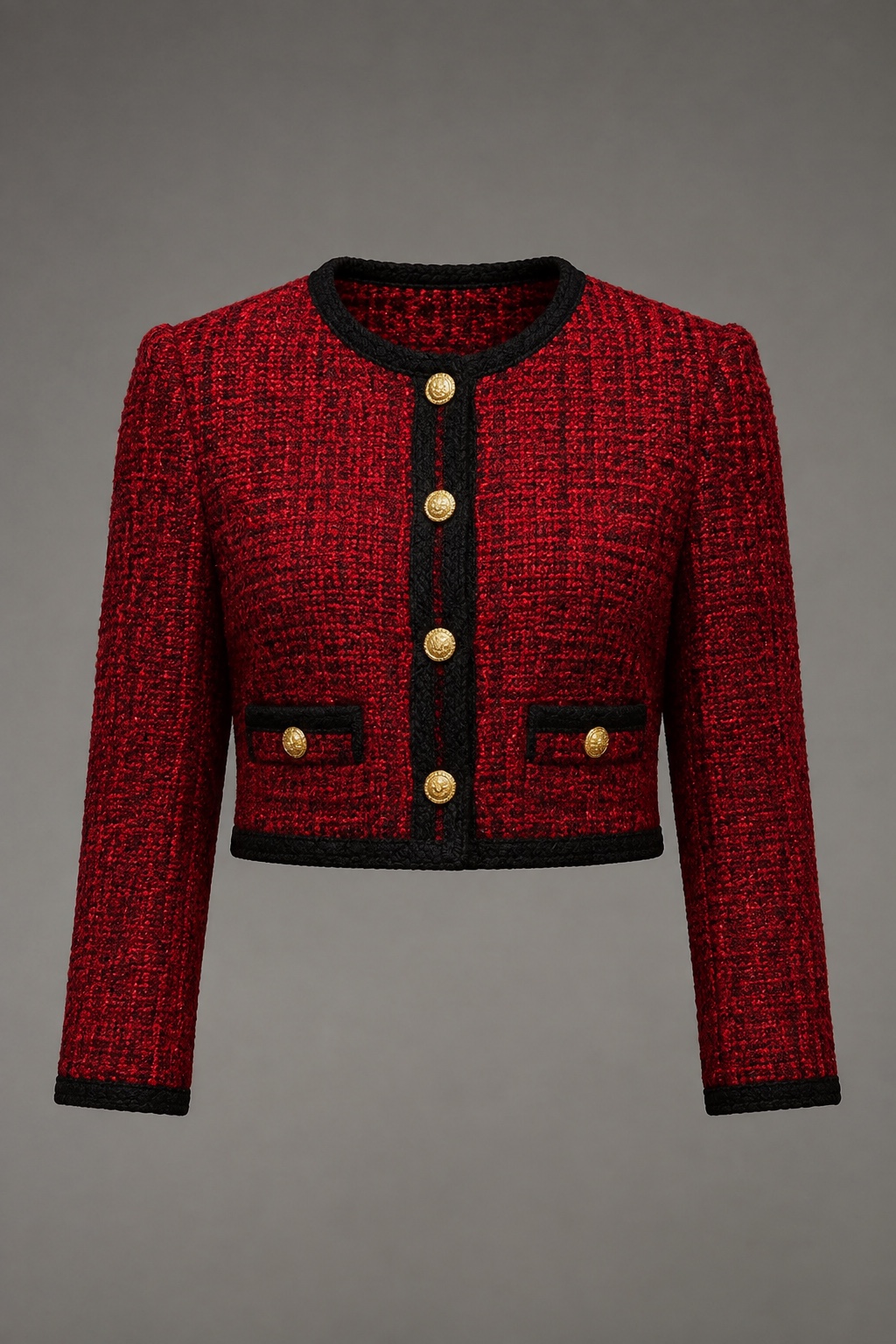
Uploaded outfit reference
REFERENCE / 01Uploaded outfit reference
Request

Use the uploaded outfit reference to replace the cream top with the red tweed cropped jacket. Keep the person, trousers, handbag, and background unchanged

Edits applied

  • 01Read the reference cut, color, and material
  • 02Replace only the subject's top
  • 03Match the pose, light, and fabric folds
  • 04Keep the face, hands, trousers, handbag, and background unchanged
Natural makeup · After
Natural makeup · Before
BeforeAfterDrag to compare
04 / 06 · Natural makeup

A little makeup. An instant lift

Request

Add fresh everyday makeup: softly defined eyes and brows, peach blush, and coral lips. Keep my face and features unchanged

Edits applied

  • 01Refine the natural brow shape and tone
  • 02Add soft eyeliner and lash definition
  • 03Apply peach blush and a coral lip
  • 04Preserve identity, face shape, and real skin texture
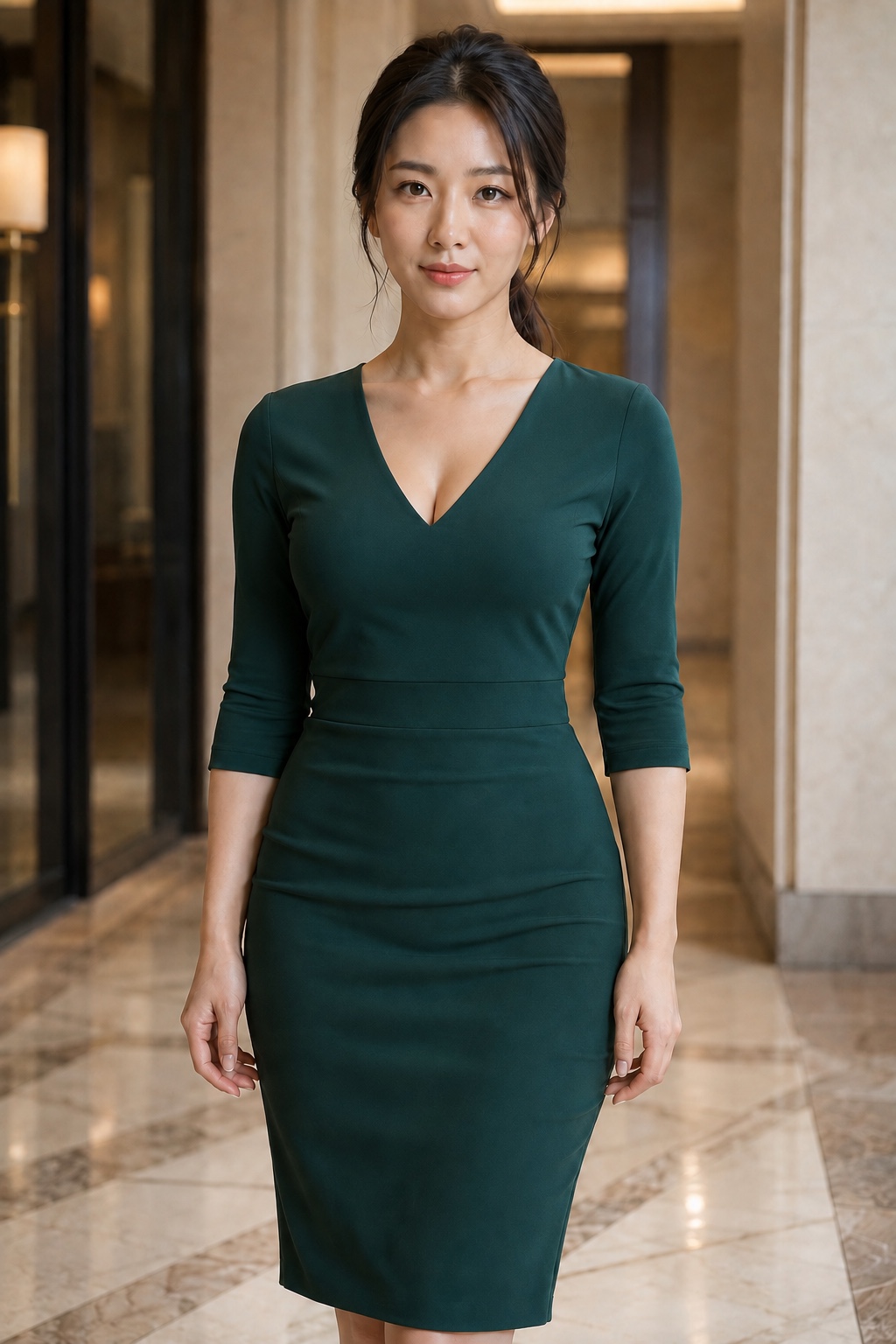
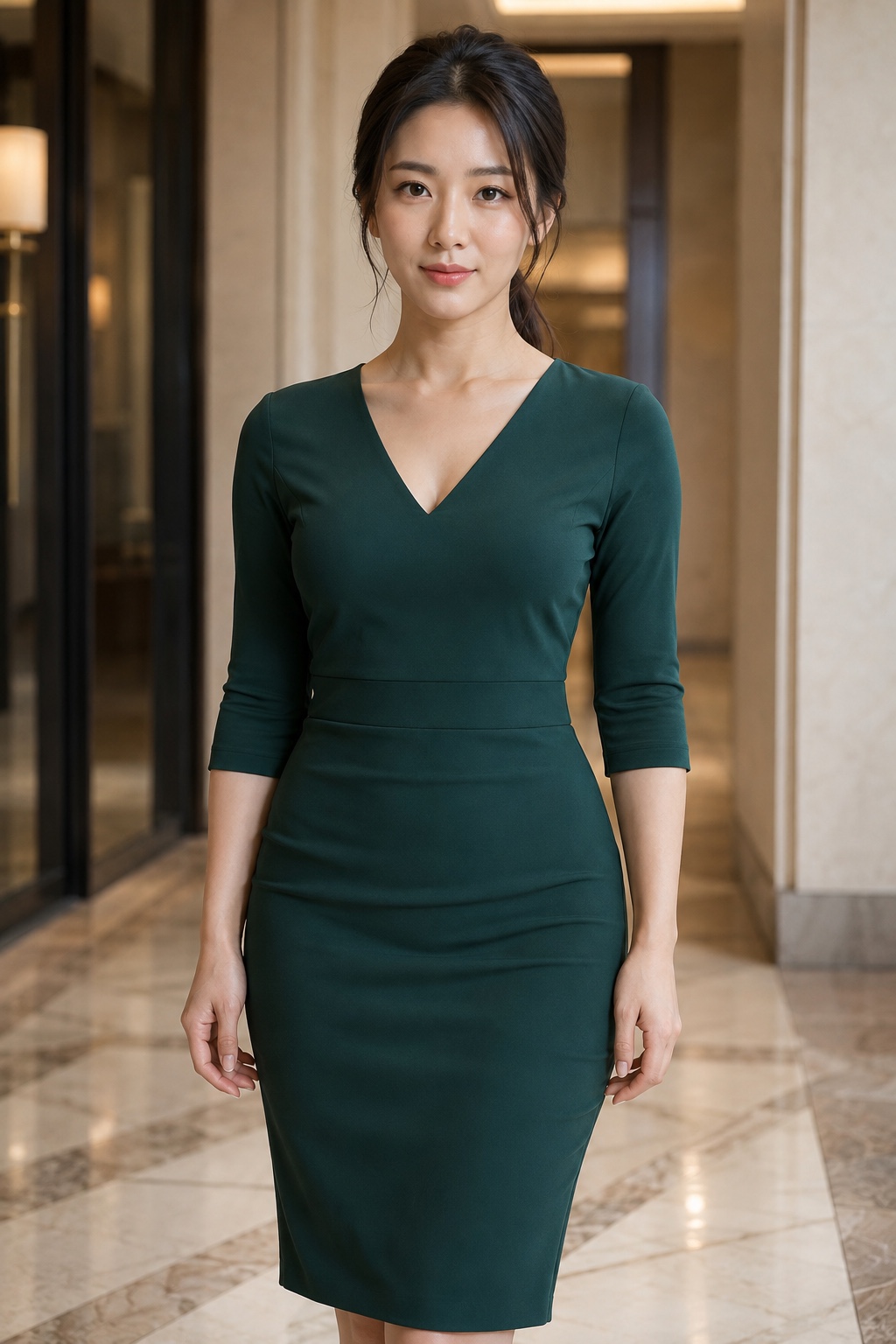
Natural bust enhancement · After
Natural bust enhancement · Before
BeforeAfterDrag to compare
05 / 06 · Natural bust enhancement

A fuller contour that still looks natural

Request

Make the bust contour slightly fuller with natural cleavage, while keeping the person, outfit design, pose, and background unchanged

Edits applied

  • 01Add natural fullness to the bust contour
  • 02Adjust fabric fit, highlights, and shadows
  • 03Preserve shoulders, waistline, and body proportions
  • 04Keep identity, pose, and background unchanged
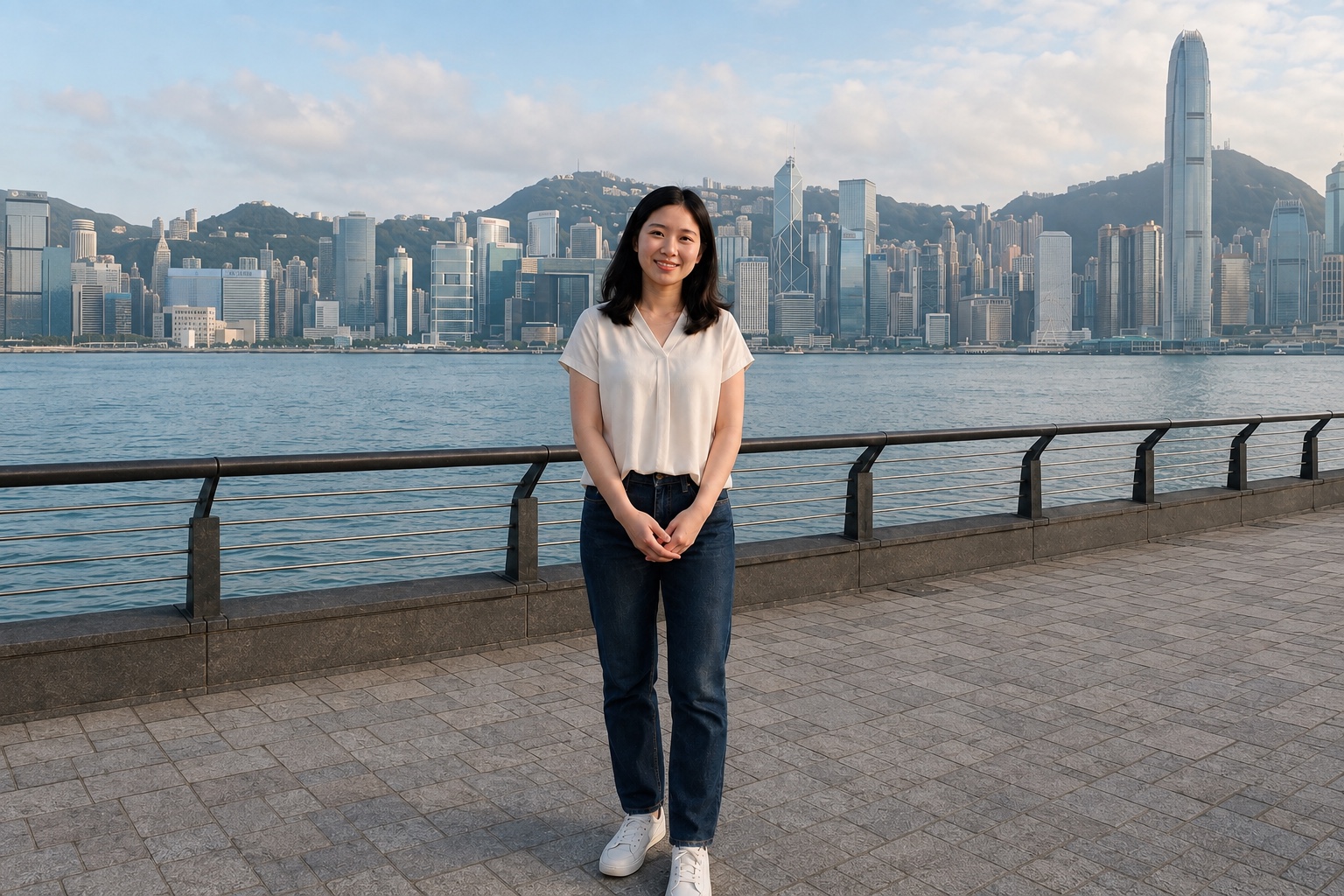
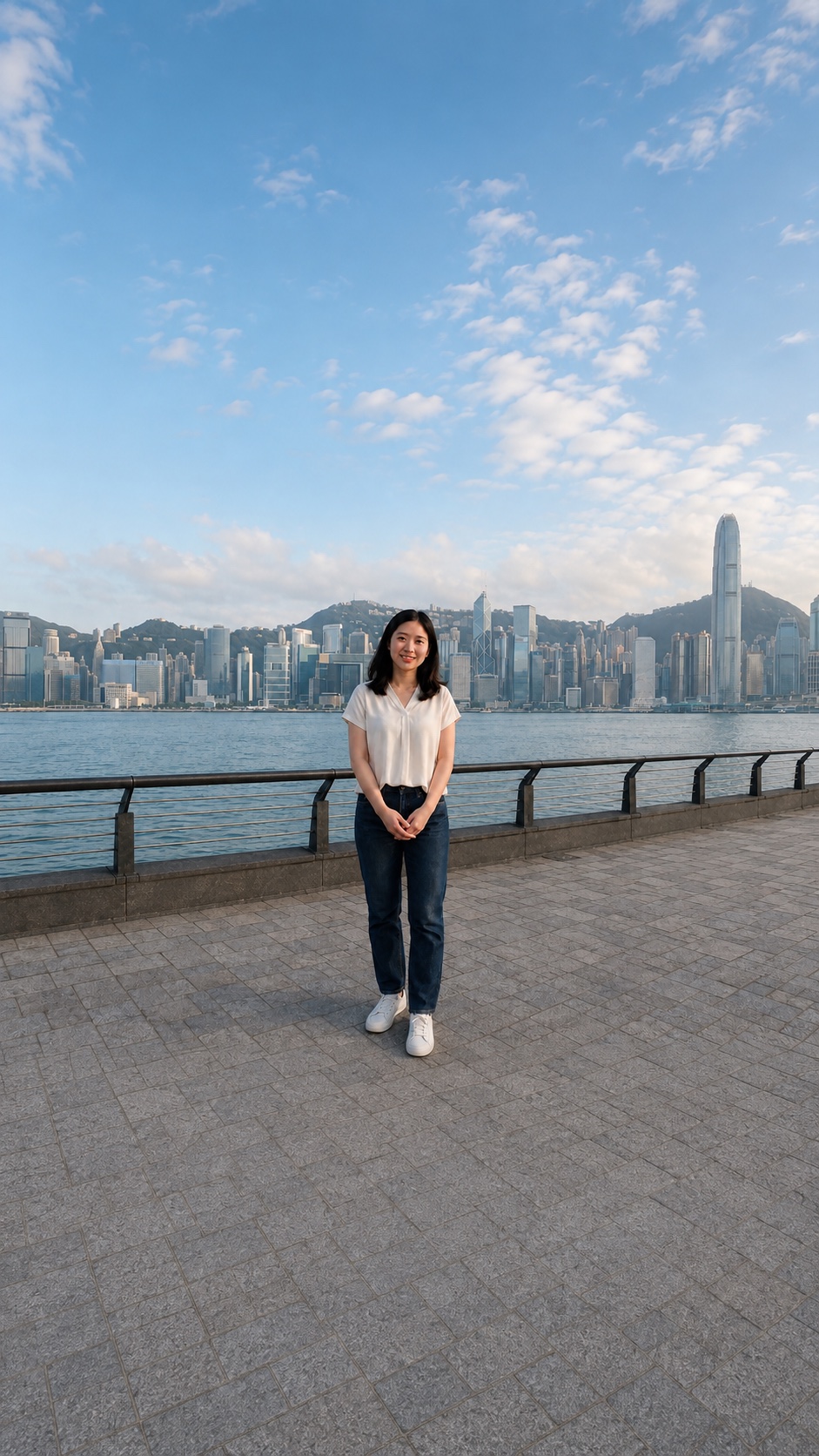
Landscape original
Landscape original
9:16 expanded
9:16 expanded
06 / 06 · Portrait expansion

Turn landscape into portrait—without stretching

Request

Expand to a 9:16 portrait image. Keep the entire person and Hong Kong background; do not stretch or crop the original

Edits applied

  • 01Keep the full landscape original
  • 02Extend the sky and ground naturally
  • 03Preserve the person, facial features, and architecture without distortion

Examples are illustrative. Results vary with the photo, marked area, and written request.

PRECISE, EVEN IN PLAIN WORDS

Your request—not a preset filter

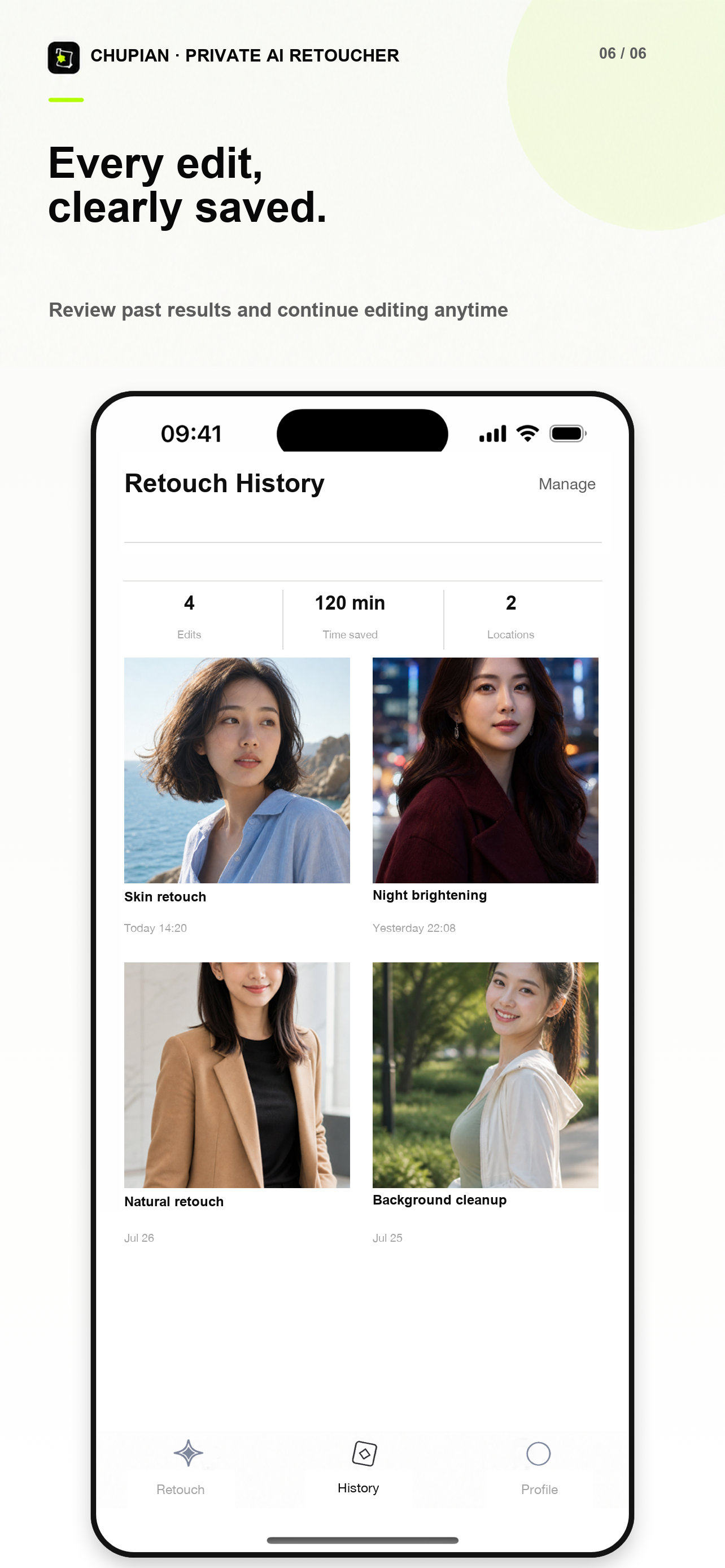
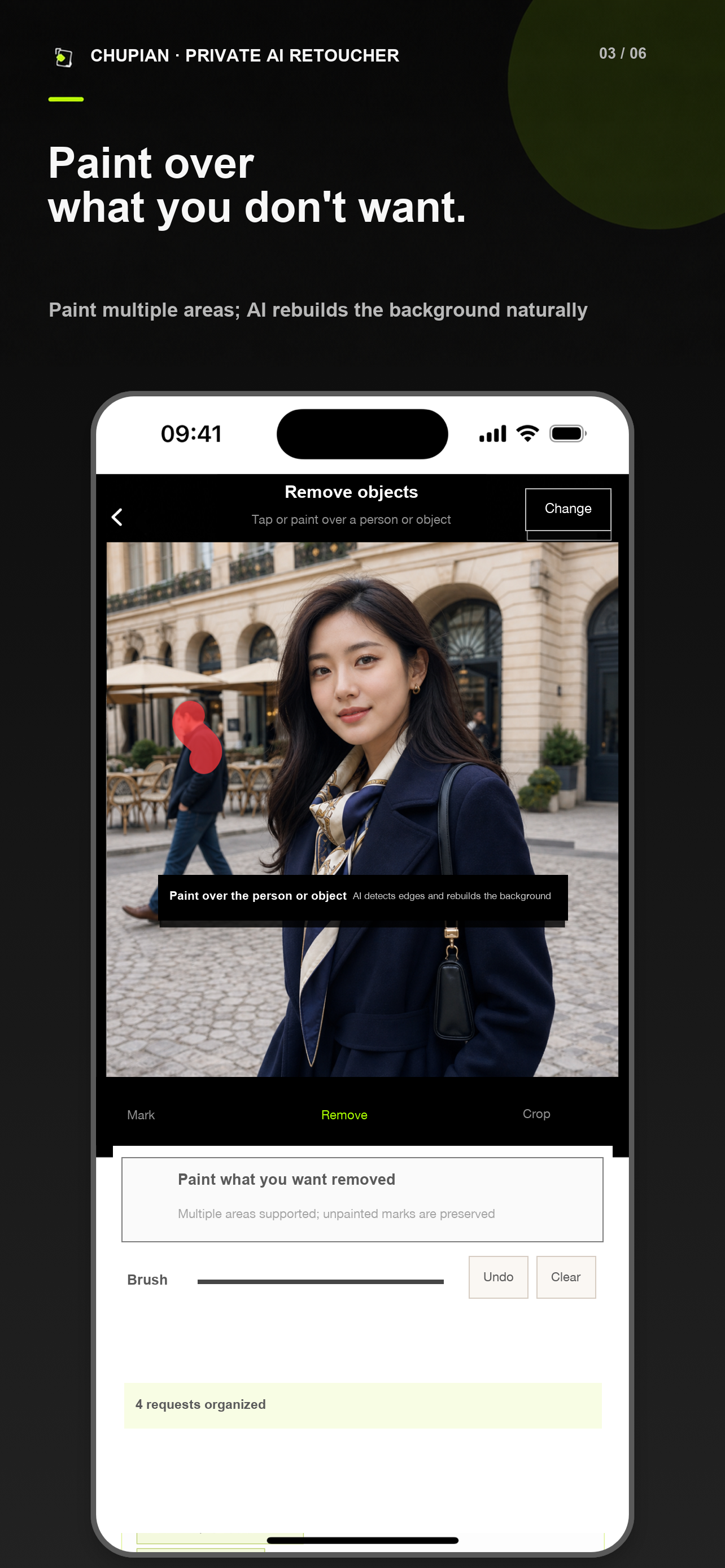
Switch freely between marking, object removal, and output size without losing the original photo.

AI RETOUCH WORKSPACE

Point to exactly what should change

Mark several areas and describe the intensity, boundary, and details that should remain untouched.

Mark an edit

EASY ON THE FIRST TRY

One retouch in three steps

01

Choose a photo

Selfies, group shots, portraits, and travel photos.

02

Mark and describe

Point to the area and say how natural it should look.

03

Compare and save

Inspect the details and save the complete result.

CHOOSE BY HOW OFTEN YOU EDIT

Straightforward retouching plans

Final price, currency, and retouch count are shown in the app and on Apple’s purchase confirmation.

GOOD TO KNOW

Frequently asked questions

Will Photelle change my identity or face shape?

Photelle prioritizes your marked areas and written request while preserving unspecified identity traits, facial relationships, and scene content. Generative AI can still make mistakes, so inspect every result before saving.

How are uploaded photos handled?

Photos are processed only to provide the retouching service you request. See the Privacy Policy for the applicable processing, storage, retention, and deletion practices.

What photos can I use?

You can choose common photo formats from the system library, including selfies, group shots, portraits, and travel photos. Clear, unobstructed originals usually produce more natural results.

How do I manage or cancel a subscription?

Manage it in iPhone Settings → Apple Account → Subscriptions. Deleting your Photelle account does not automatically cancel an Apple subscription.